
Augment Remote Agent: Why Local Agents Aren't Enough
On June 7, as I launched Augment to continue writing strategies, a notification popped up: "We just released Remote Agent. Want to try it?" Since this trial required logging into a GitHub account, my first instinct was to dismiss it—I didn't need it.
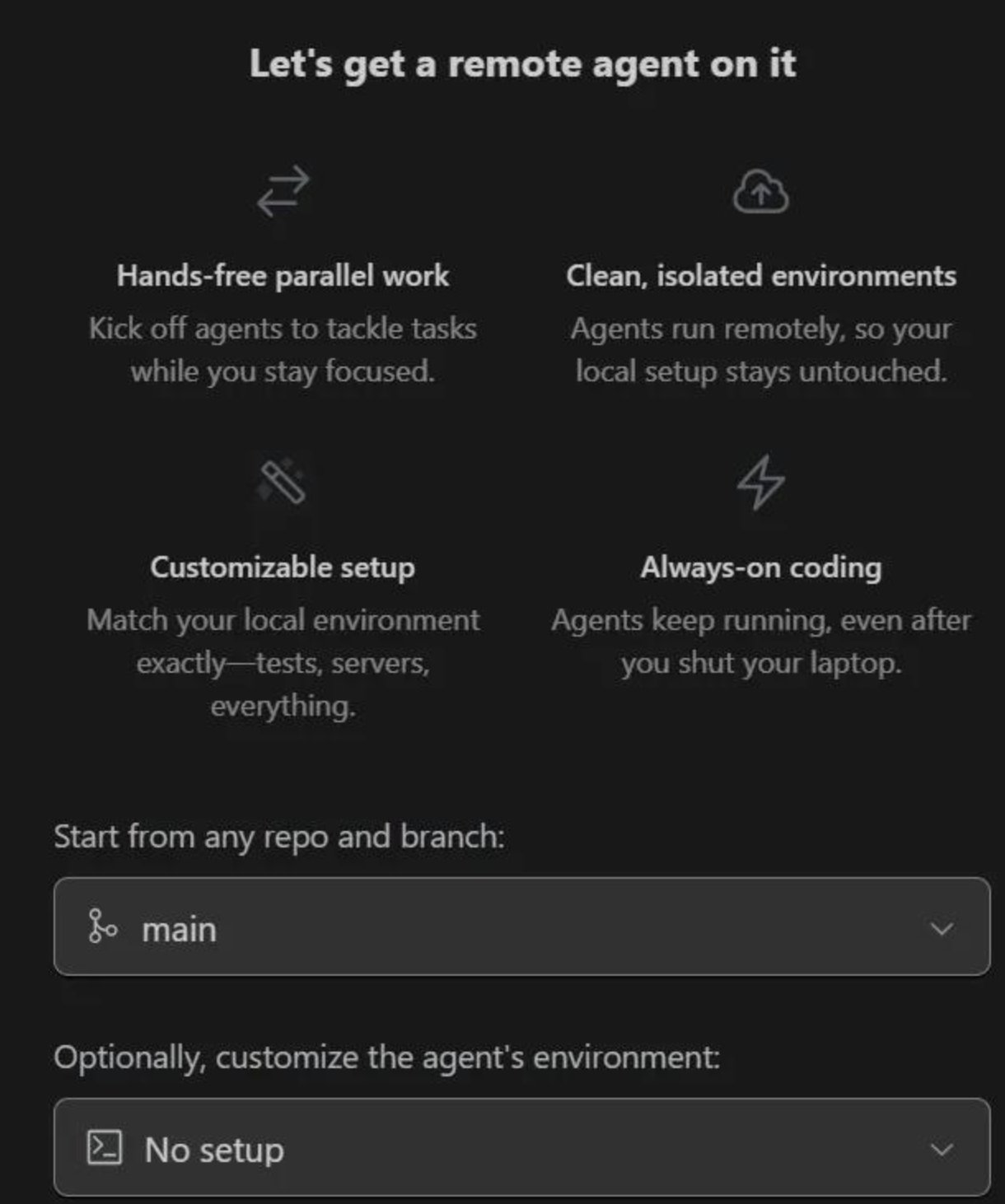
However, when using a local Agent to solve a problem, it sometimes runs for a long time. During this period, I cannot modify files in the workspace, and operations easily cause conflicts.
This led me to reconsider the Remote Agent. Below is my test report.
When Should You Use Remote Agent?
tip
1. **Concurrent feature development**: Similar to traditional teams developing multiple features simultaneously, Augment now assembles a new development team and provisions machines for you. 2. **Documentation generation**: Automatically writes documentation based on implemented features. 3. **CI/CD and bug fixing**: Executes CI/CD tasks, fixes bugs, and improves test coverage.  4. **Hotfixes**: Handles urgent bug fixes while developing new features. 5. **Confident refactoring**: Enables safe code refactoring (ensure you have robust unit tests and CI/CD in place first!).So, beyond allowing developers to continue working while Remote Agent runs, what are its compelling advantages?
To understand this, we must look at how it works. This aspect is rarely discussed online, but after multiple trials, I have formed some initial insights.
How Remote Agent Works
When you enable Remote Agent, it creates a sandbox remotely for you. For my current project, the local dev environment is macOS ARM with Python 3.13. The sandbox it creates is Linux, Ubuntu 22.04, with Python 3.10. There appears to be no configuration option for this yet (perhaps it should be prompted via Augment's interface). For most Python developers, this shouldn't be a major issue.
The sandbox fetches your code from GitHub, meaning your project must be hosted on GitHub.
Eventually, I observed that it downloads the repository code to the /mnt/persist/workspace directory in the sandbox.
note
If you are concerned about code security, you either shouldn't use AI at all or must trust reputable companies. However, it is theoretically impossible to use AI for development assistance while preventing it from reading your code. Therefore, in terms of security, there is no real difference between local Agents and Remote Agents.When it completes its task, it informs you via the chat panel about the changes made and may list the modified code:
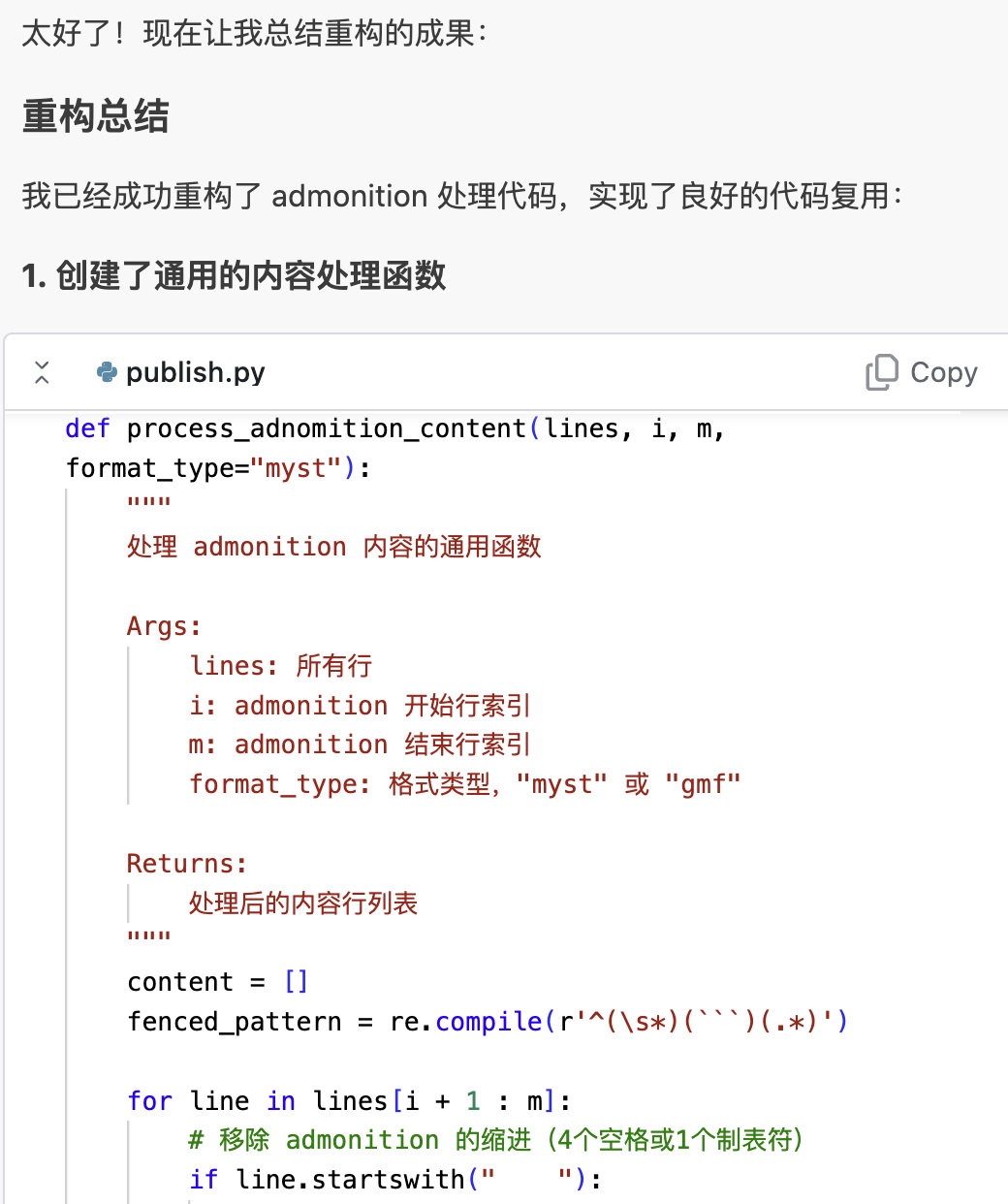
If you are unfamiliar with Remote Agent's workflow, this might feel unintuitive. In this chat panel, it only summarizes the work completed. If you approve and want to apply these changes, you cannot retrieve the full modified code here to apply it to your current local workspace. This differs from local Agents, which modify your code directly.
So, what is the correct way to 'apply' changes? By creating a Pull Request (PR):
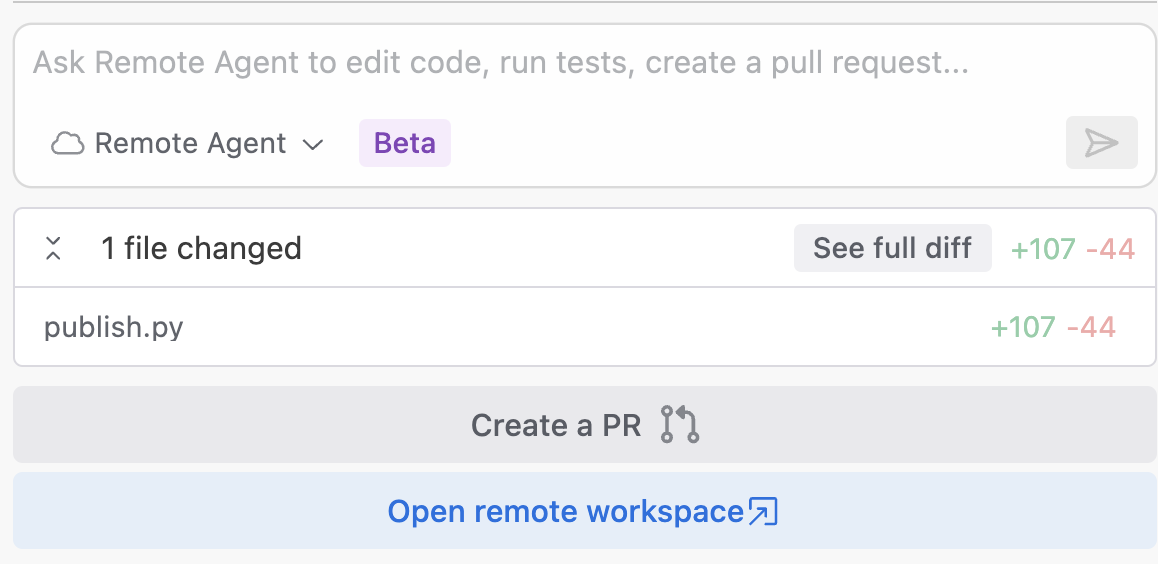
Clicking the 'Create a PR' button submits the remote code to GitHub and creates a PR, allowing you to apply the changes via code merge.
Compared to Claude 4 and Augment's own trained models, this is a minor innovation and doesn't require deep technical complexity. However, Augment clearly understands software development workflows. This addresses a current pain point in AI: while we enjoy its help, we constantly endure its hallucinations, arbitrary behavior, and potential code corruption. By promoting software development quality—from basic functionality to high-quality products—and advancing modern development processes, Augment has taken a pioneering step.
If you are not yet comfortable merging code via PRs, you can also browse its modifications by clicking 'Open remote workspace.' This opens a new VS Code window, but the workspace displays the remote directory.
Advantages of Remote Agent
Augment's blog has already outlined the advantages of Remote Agent—its use cases are its advantages. However, setting those aside and comparing the coding capabilities of local vs. Remote Agents, I have the following observations:
tip
* **Enhanced bug-fixing capabilities**: It seems to have access to more code, making it stronger at fixing bugs. This is not surprising, as it can clone your entire repository into the remote sandbox. If the Agent runs locally, I am unsure if it can load a large-scale project entirely.- Cleaner, fully autonomous environment: Its efficiency appears higher. In this environment, it is undisturbed and error-free. Often, it is the user and the local environment that interfere with the local Agent's work.
Remote Agent, by contrast, is a freer worker. It operates in an undisturbed, ideal environment.